
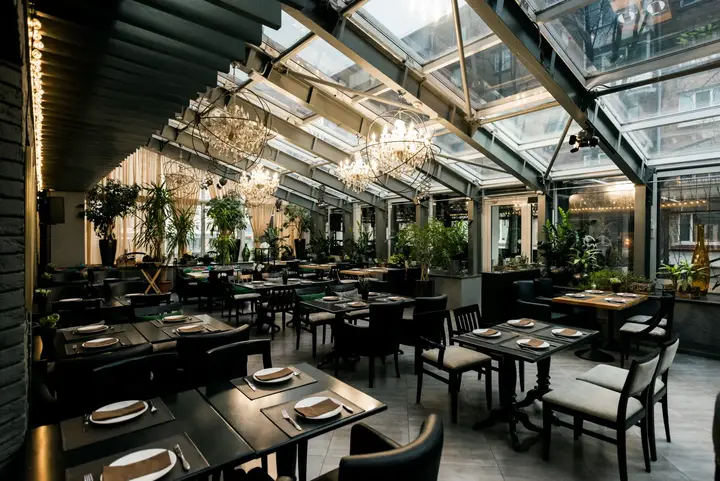
 Café de la Gare
Enter it once
Enter your dishes and prices from your phone. Each dish is saved when you leave the field, with an alert if a dish or price is missing.

Enter your menu and dish of the day once. Your website, a print-ready PDF and a permanent QR code are always up to date.
Included from the plan Starter
Enter your dishes and prices from your phone. Each dish is saved when you leave the field, with an alert if a dish or price is missing.
Manage your standing menu and your daily or weekly menus. Reorder sections by drag and drop.
A clean, printable PDF is generated for you. Your QR code is permanent: it always points to the current menu.
Duplicate the previous menu, work on a draft and schedule publishing start and end dates.
The labels show the plan from which the feature is included. Compare plans
No. The QR code is permanent and always points to your current menu: you only need to print it once.
Yes. You can enter your menus in advance and set their publishing start and end dates.
No. The PDF is generated automatically from what you enter.
Create your account and set up your business in a few steps.
Reserve my place