

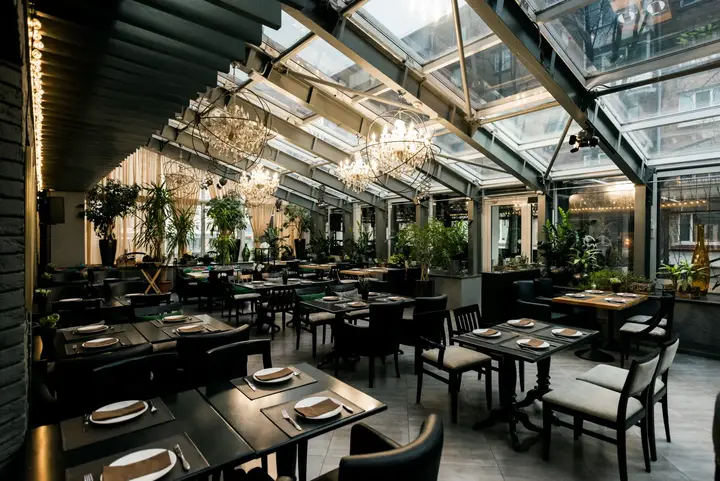
 Café de la Gare
How Lokano works
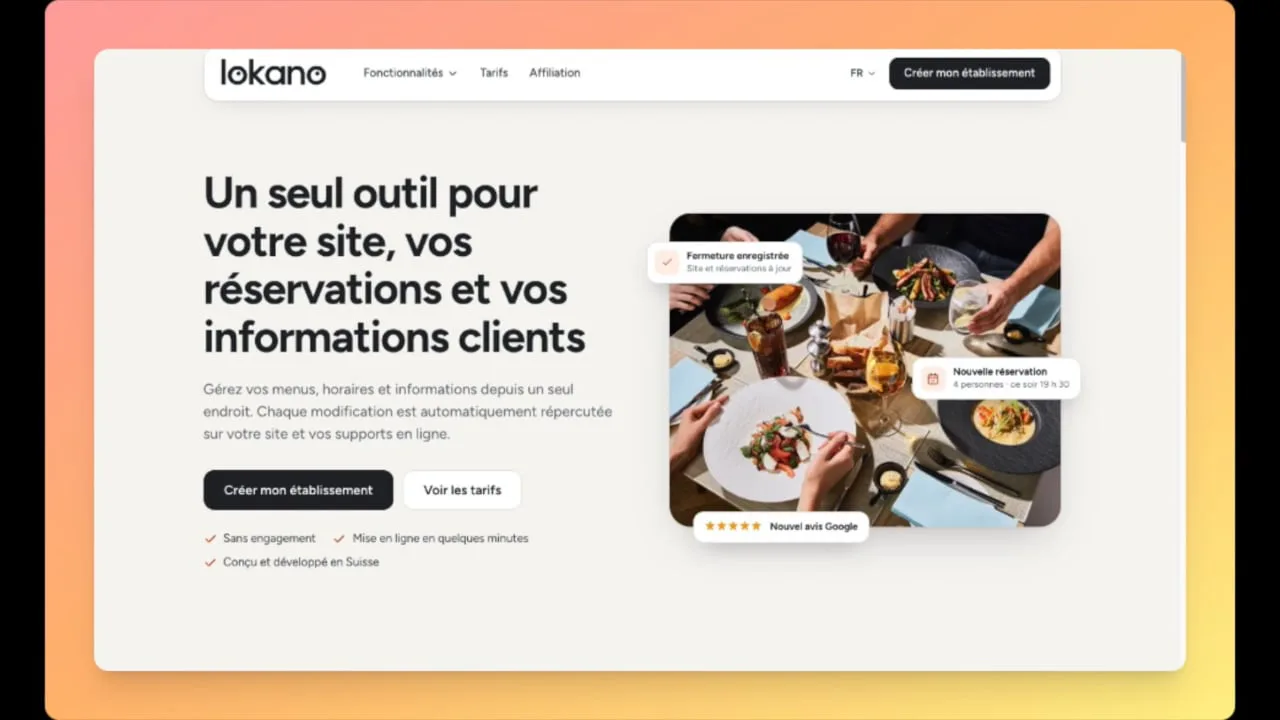
You provide what you already have, your Google listing and your menu: Lokano turns it into your website, with online reservations, in a few minutes.
-
Find your business
Type its name: Lokano brings in your Google listing, with contact details, opening hours and services. You confirm with one click.
-
Add your menu
Take a photo of the chalkboard or paste the text: dishes, prices, dishes of the day and the dish of the week are recognised. You check before publishing.
-
Publish, then manage from your phone
Website, online reservations, PDF and QR code update together. One change, and everything follows.